Get the App now in the iTunes Store
Syd Field Script Launcher is an interactive application--compatible with iPhone, iPad and iPod Touch--guided by specific topics, select questions and written exercises that are the basic foundation of the screenwriter's craft and all story telling. Create your idea, then extract the essence of that idea into a Subject – the Action and Character.
Click Here to get the app in the iTunes Store.
The Subject is two things:
- What happens, called The Action, and
- Who it happens to - The Character.
You'll craft your Subject into a Story Line, create your Characters, then launch your Story by writing a Narrative Synopsis in the Writing Box.
When you complete the Syd Field Script Launcher, you'll have a professional Story Line that you can email to friends, family, or professional colleagues; this is the first step in writing a screenplay.
Write the story you've always dreamed of writing! Let Syd Field's Script Launcher be your guide in crafting your Screenplay Treatment.

 |
THE LAUNCH SITE
The start point for your Screenplay Treatment.
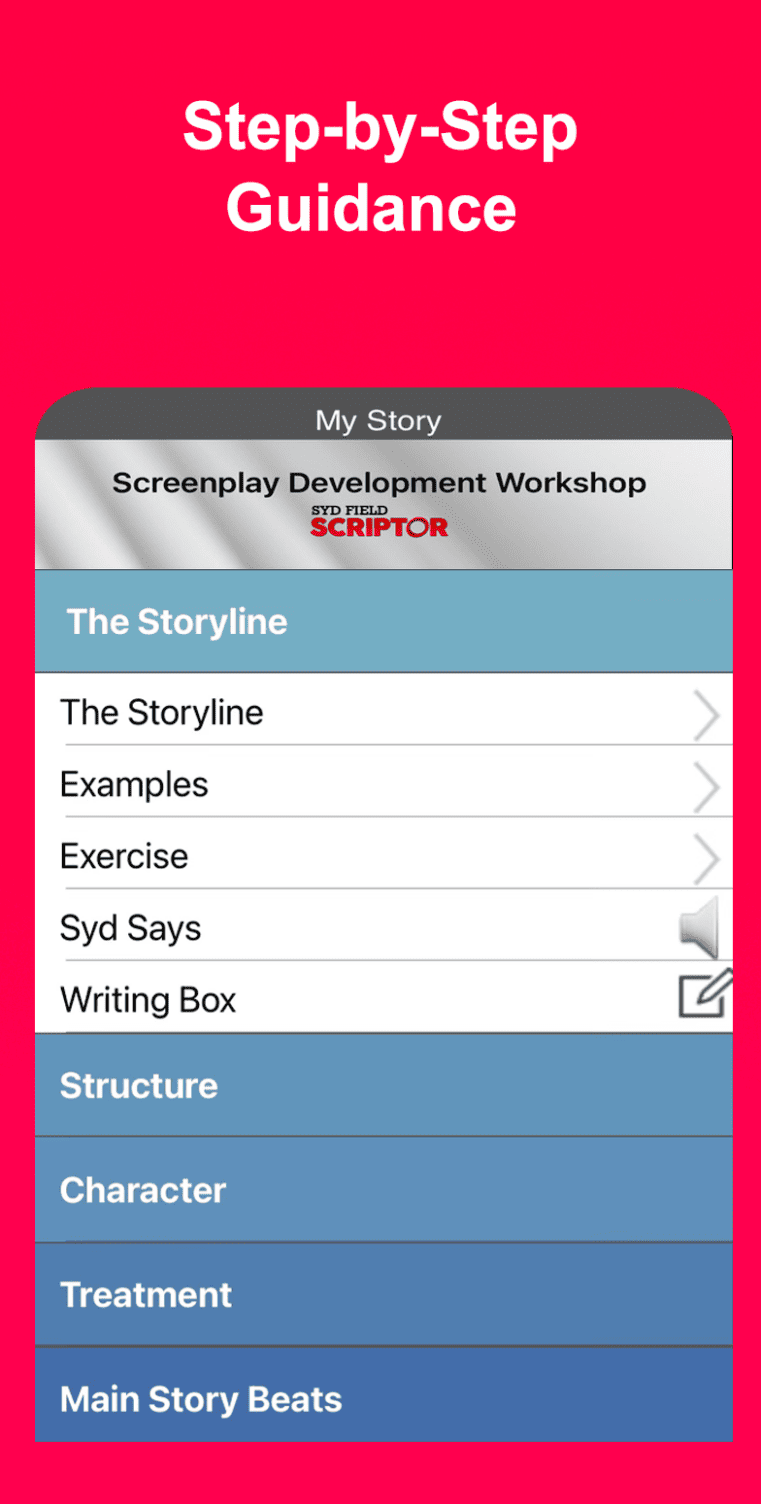
Subject: Finding the Subject: The Action – What happens, The Character – Who it happens to.
Examples: Academy Award winning films are used as
references.
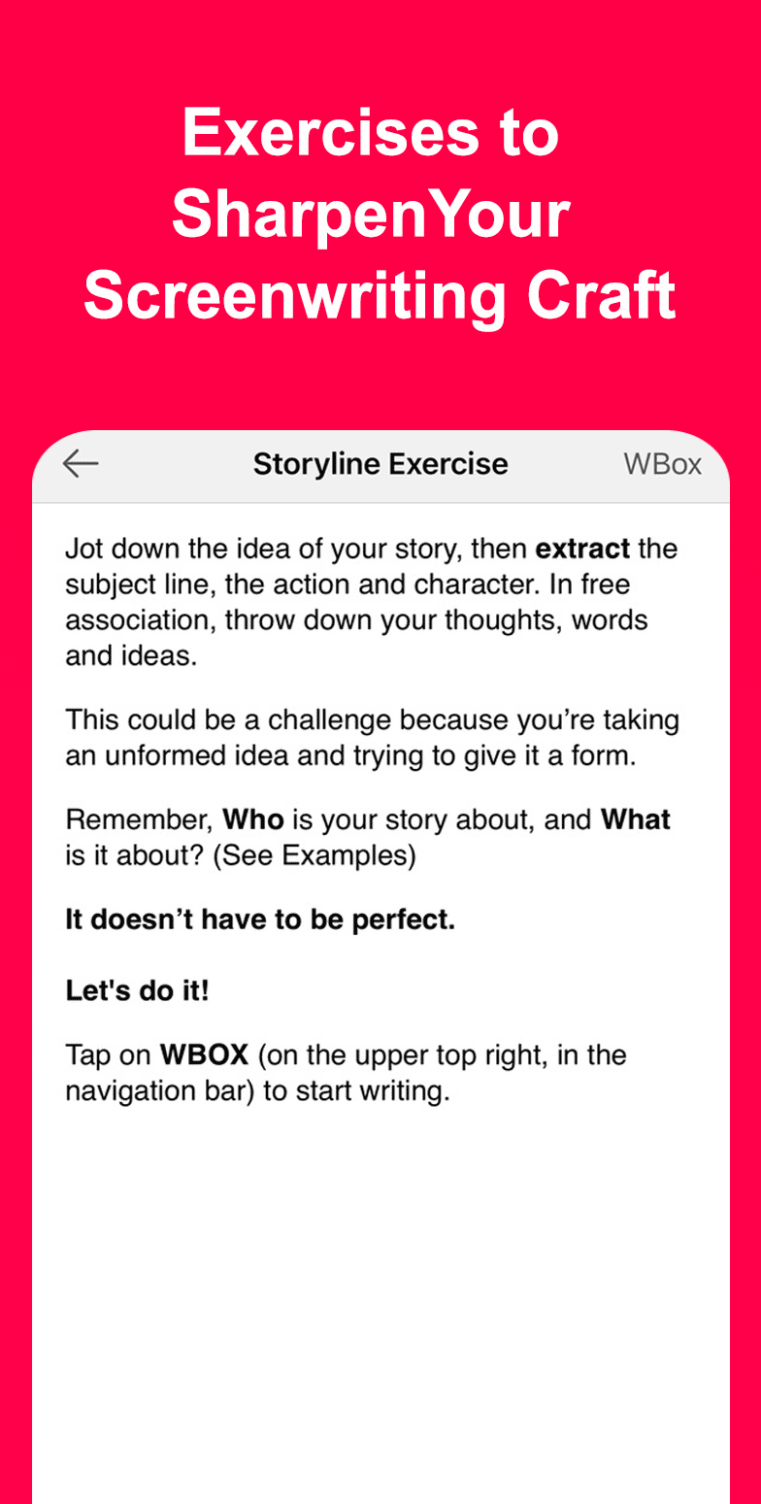
The Exercise: Guidelines and instructions are given to write your Subject Line.
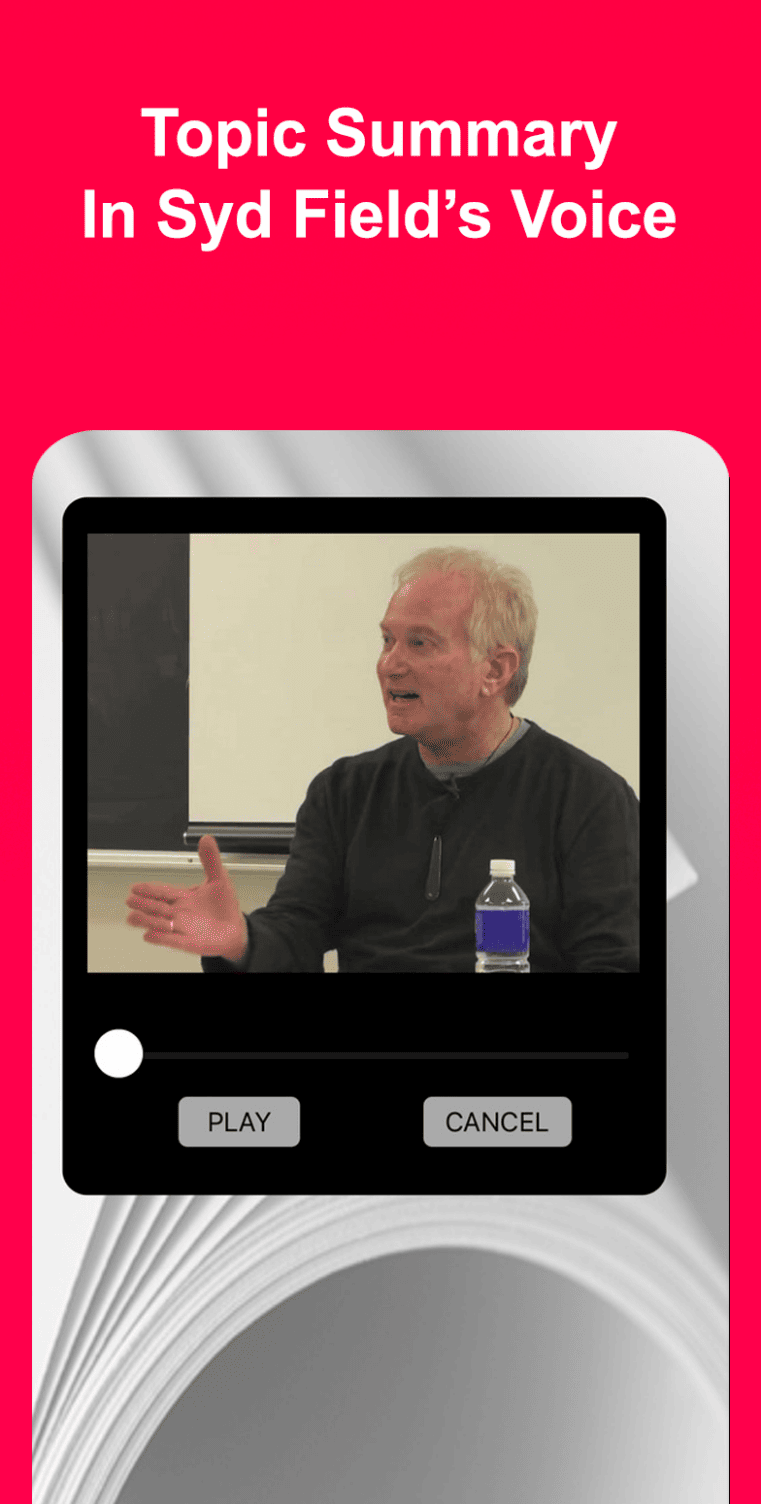
Syd Says: An audio recording of Syd supporting the writing exercise.
The Writing Box: Where you write your Subject. |
| |
|
 |
THE LAUNCH PAD
Where we get into the heart of your Story.
Structure: Story Structure is explained and defined through the progression of Beginning, Middle and End.
Paradigm: A graphic diagram of dramatic Structure – the foundation of all story telling.
The Exercise: Breaking your Subject into specific parts: Act I, II and III.
Syd Says: An audio recording of Syd supporting the writing exercise.
Paradigm Examples: Academy Award winning films are used as references.
The Writing Box: Where you lay out your Structure. |
| |
|
 |
PREPARING THE LAUNCH
Creating your Characters.
Creating Character: Creating your characters from birth up until the time your story begins.
The Exercise: Guides you in writing the character biography.
Syd Says: An audio recording of Syd supporting the writing exercise.
The Writing Box: Writing the Character Biography
Character - The Three P's: The Professional Personal and Private Lives of your character.
Syd Says: An audio recording of Syd supporting the writing exercise.
The Writing Box: Writing the Professional, Personal and Private Lives of your character. |
| |
|
 |
THE LAUNCH
Guiding you in writing the Screenplay Treatment.
The Launch: Writing the treatment.
The Exercise: Guiding you step by step in the writing of your Four Page treatment.
Syd Says: An audio recording of Syd supporting the writing exercise.
The Writing Box: Writing the Four Page treatment.
Epilogue: We're done - final thoughts and celebration!
Email Treatment: Now you can email it to your friends, family targeted audience.
Export Writing Box: All your Writing Box entries and notes can be emailed at any time to your home computer. |
| |
|
 |
Q&A
Answers to some commonly asked questions.
Structuring a Short Film
On Becoming a Screenwriter
Camera Instructions in a Treatment
Dialogue in a Treatment
Protecting a Treatment |
| |
|
 |
GLOSSARY
Defining some Screenwriting Terms.
Character Biography
Content
Context
Drama
Dramatic Need
Paradigm
|
| |
|
 |
NOTES
You will notice that at the top right hand of the Navigation Bar is a “Notes” button. You can add notes to yourself as you work and review/edit them at any time and place.
Creativity is always there and some times great ideas come when we're away from the computer. With Notes you can log them with ease so you can utilize them later in the creative process with Script Launcher. |
| |
|
 |
THE WRITING BOX
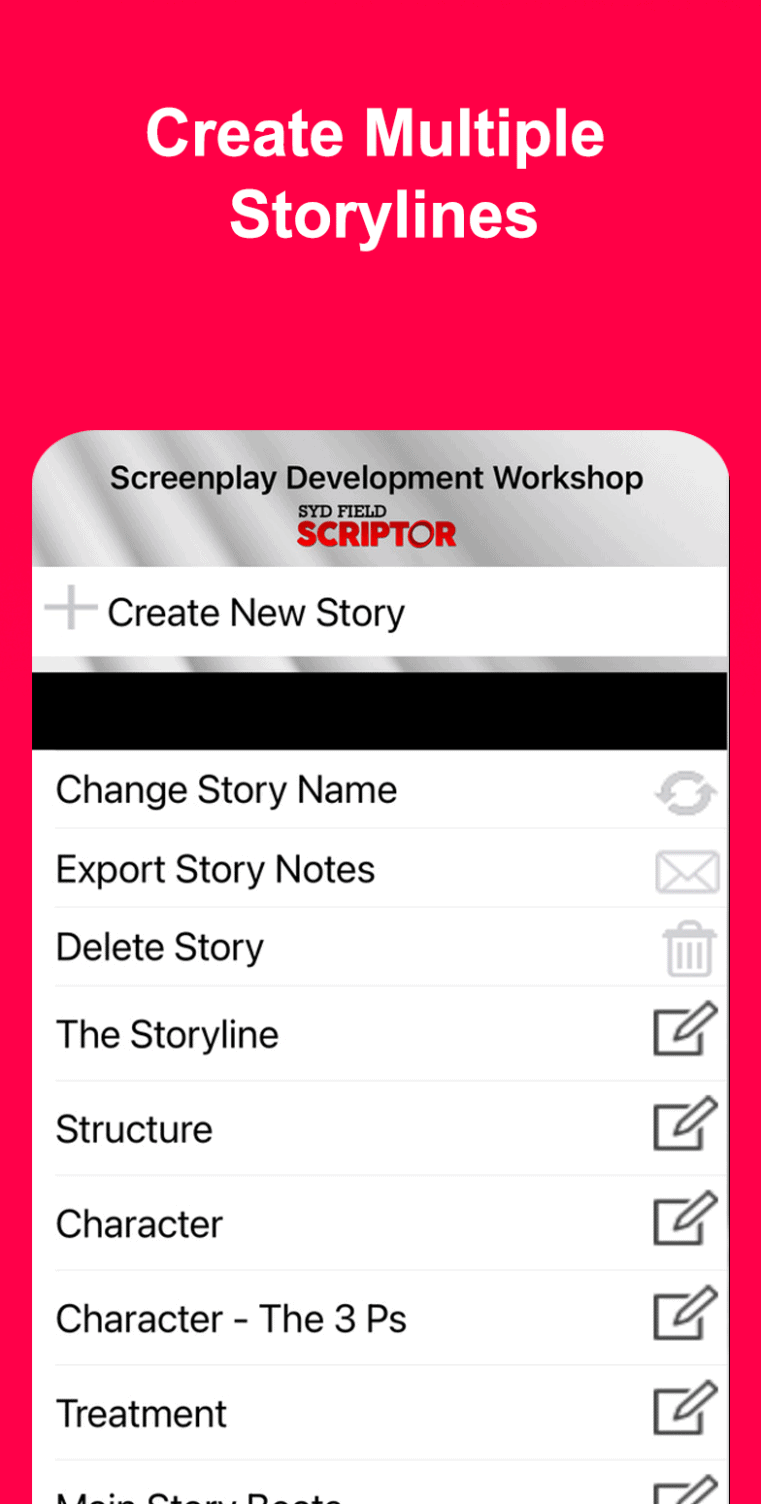
All writing assignments, including the final Treatment, are written and stored in The Writing Box for each specific Launcher section.
As mentioned above, the final Treatment and individual writing assignments can be exported via email to yourself and others.
In addition, the writing assignments can be accessed through iTunes on your home computer and can be imported into your word processing software.
Connect your iPhone to iTunes on your PC or Mac and select your device from Devices on the left-hand side of the iTunes application. Then click on the Apps tab and scroll down to the File Sharing portion of the screen.
Select the Launcher App and you will see the Assignments.txt document that you can then drag to your desktop. |
|